Seller Applet
Purpose and Overview
The Seller Applet is a robust platform designed to manage the entire lifecycle of third-party sellers within your ecosystem. It streamlines the onboarding of sellers, product synchronization, order fulfillment, and complex financial reconciliations between the platform and its sellers.
Who Benefits from This Applet?
Sales & Procurement Teams:
- Standardized Onboarding: Capture essential details including ID Numbers, Tax Registration, and Accounting Categories.
- Centralized Catalog: Manage marketplace items (MKP Items) linked directly to your Financial Items (FI Items).
- Logistics Oversight: Automated routing of orders to specific seller branches or stores.
- Unified Inventory: Real-time stock visibility across the entire seller network with granular inventory tracking.
Finance & Accounting Teams:
- Automated Settlement Flow: Seamlessly transition from Seller Orders to Purchase Invoices (PI) and Payment Vouchers (PV).
- Flexible Payouts: Support for multiple settlement types including Bank Transfer, FPX e-Mandate, e-Wallets, and Membership Point Currency.
- Credit & Limit Control: Manage seller credit terms and limits directly within their entity profiles.
- Transparent Auditing: Full audit trails for every financial interaction through the Applet Log.
Sellers & Partners:
- Self-Service Dashboard: Manage product listings, descriptions, and high-quality image assets.
- Pick & Pack Queue: Granular visibility into the fulfillment status of every order line.
- Settlement Transparency: View pending and historical payouts with itemized breakdowns.
- Branch Support: Ability to manage multiple operational locations within a single seller account.
What Problems Does This Solve?
The Manual Marketplace Problem: Traditional marketplace management often suffers from fragmented data and manual bottlenecks. Common issues include:
- Data Inconsistency: Disparate product formats across different sellers leading to a messy customer experience.
- Fulfillment Chaos: Difficulty coordinating Pick & Pack operations across multiple external partners.
- Settlement Errors: Manual calculation of payouts resulting in reconciliation headaches and payment delays.
- Inventory Blind Spots: Lack of real-time visibility into whether a seller can actually fulfill an order.
- Compliance Risks: Incomplete seller documentation and unverified tax status.
The Seller Applet Solution:
- Entity Attribute Mapping - Standardize seller data (ID, Tax, Accounting) for 100% compliance.
- Integrated Pick & Pack Queue - Convert customer sales orders into streamlined fulfillment tasks for sellers.
- Automated Settlement Triangle - Link Orders, Invoices, and Vouchers in a single, error-free chain.
- Store-Level Inventory Control - Enable/disable inventory tracking at the individual branch level.
- Extensible Configuration - Customize fields, printable formats, and webhooks to match your specific needs.
Key Features Overview
Visual Overview: From Manual Chaos to Automated Growth
  graph TD
    subgraph Challenges ["The Manual Chaos (Before)"]
        direction TB
        C1[Fragmented Seller Data]
        C2[Fulfillment Bottlenecks]
        C3[Reconciliation Errors]
        C4[Inventory Blind Spots]
    end

    Challenges == "Transition to Automation" ==> Hub["<b>Seller Applet Hub</b>"]

    subgraph Solution ["The Digital Solution"]
        direction TB
        S1[Standardized Onboarding]
        S2[Pick & Pack Queue]
        S3[Settlement Triangle]
        S4[Live Store Sync]
    end

    Hub ==> Solution

    subgraph Benefits ["Who Benefits?"]
        direction LR
        B1["<b>Sales Teams</b><br/>Growth & Efficiency"]
        B2["<b>Finance Teams</b><br/>Financial Integrity"]
        B3["<b>Sellers</b><br/>Empowerment & Trust"]
    end

    Solution ==> Benefits

    style Hub fill:#f9f,stroke:#333,stroke-width:4px
    style Challenges fill:#fee,stroke:#f66
    style Solution fill:#eef,stroke:#66f
    style Benefits fill:#efe,stroke:#6f6
Key Concepts
Understanding the Seller Ecosystem
To effectively manage the system, it is crucial to understand how Sellers, Branches, and Products interact.
| Component | Definition | Role in Workflow |
|---|---|---|
| Seller Account | The mst_entity profile of the partner. | Owns the tax registration (Tax Reg No) and accounting category. |
| Seller Branch | A physical store or branch location. | The fulfillment point linked to specific inventory stores. |
| Pick & Pack Queue | The real-time order fulfillment engine. | Manages the transition from customer order to seller shipment. |
The “Settlement Triangle”
The Seller Applet ensures financial accuracy through a linked three-step process:
- Seller Order: Customer pays; the system creates a Marketplace Seller Order.
- Purchase Invoice: Upon shipment/delivery, the system generates a PI (Purchase record).
- Payment Voucher: Finance processes the settlement via the selected mode (Bank Transfer, FPX, etc.).
Quick Start Guide
Get your marketplace operations running quickly with these essential workflows.
For Staff: Onboarding a New Seller
Goal: Successfully register a seller and their products.
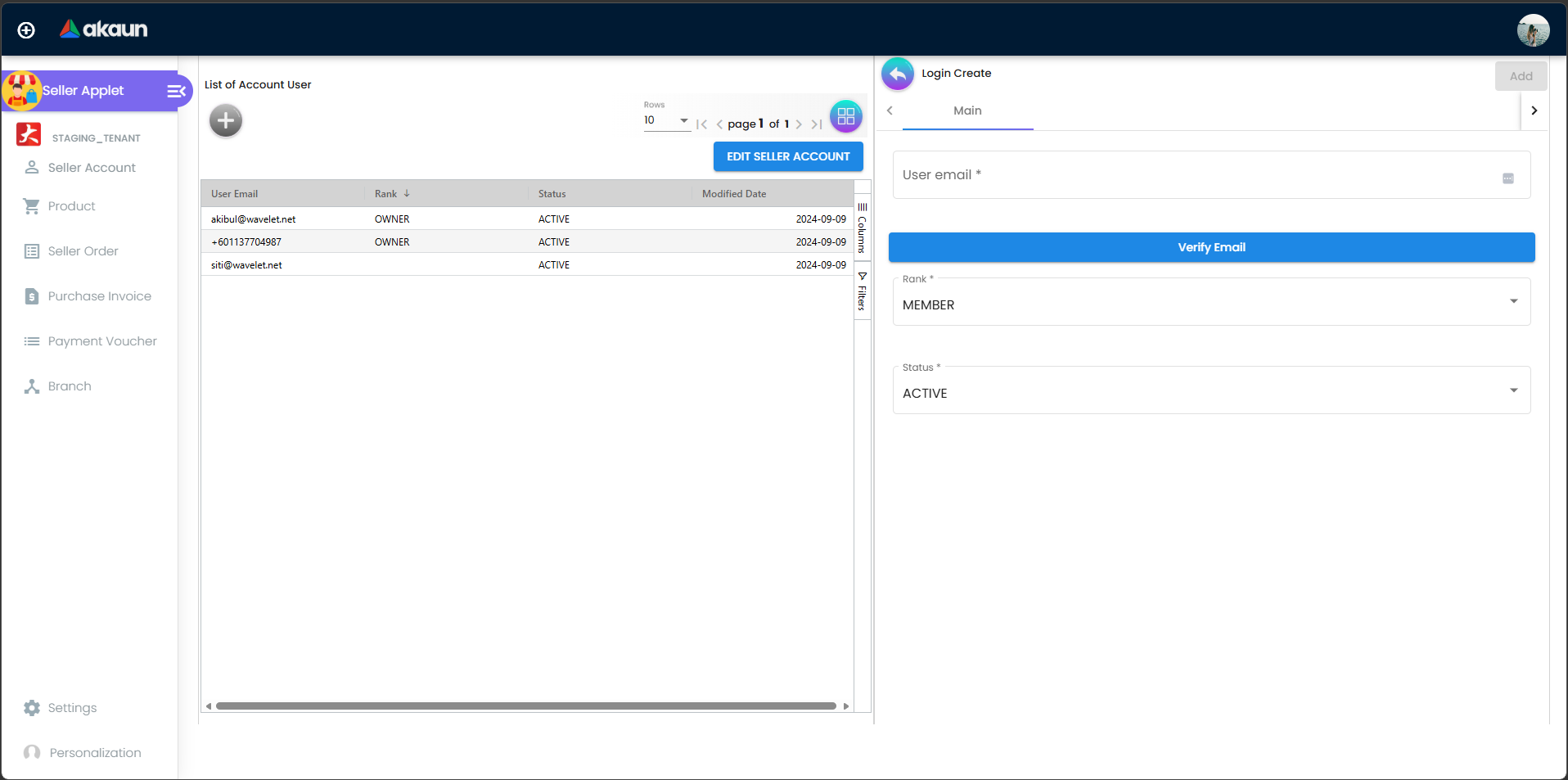
- Create Entity Profile: Go to Seller Account → Click "+" → Fill in Legal Name,
ID_NO, andTAX_REG_NO. - Set Credit Terms: Define
CREDIT_LIMIT_TERMSto manage the financial relationship. - Assign Operating Stores: Link the seller to specific branches to enable store-based inventory.
- Map Financial Items: Link new Marketplace Products to existing
FI_Itemsfor accurate stock accounting. - Review & Approve: Verify documentation and click Approve to activate the seller account.
For Sellers: Managing Daily Operations
Goal: Fulfill orders and track payments efficiently.
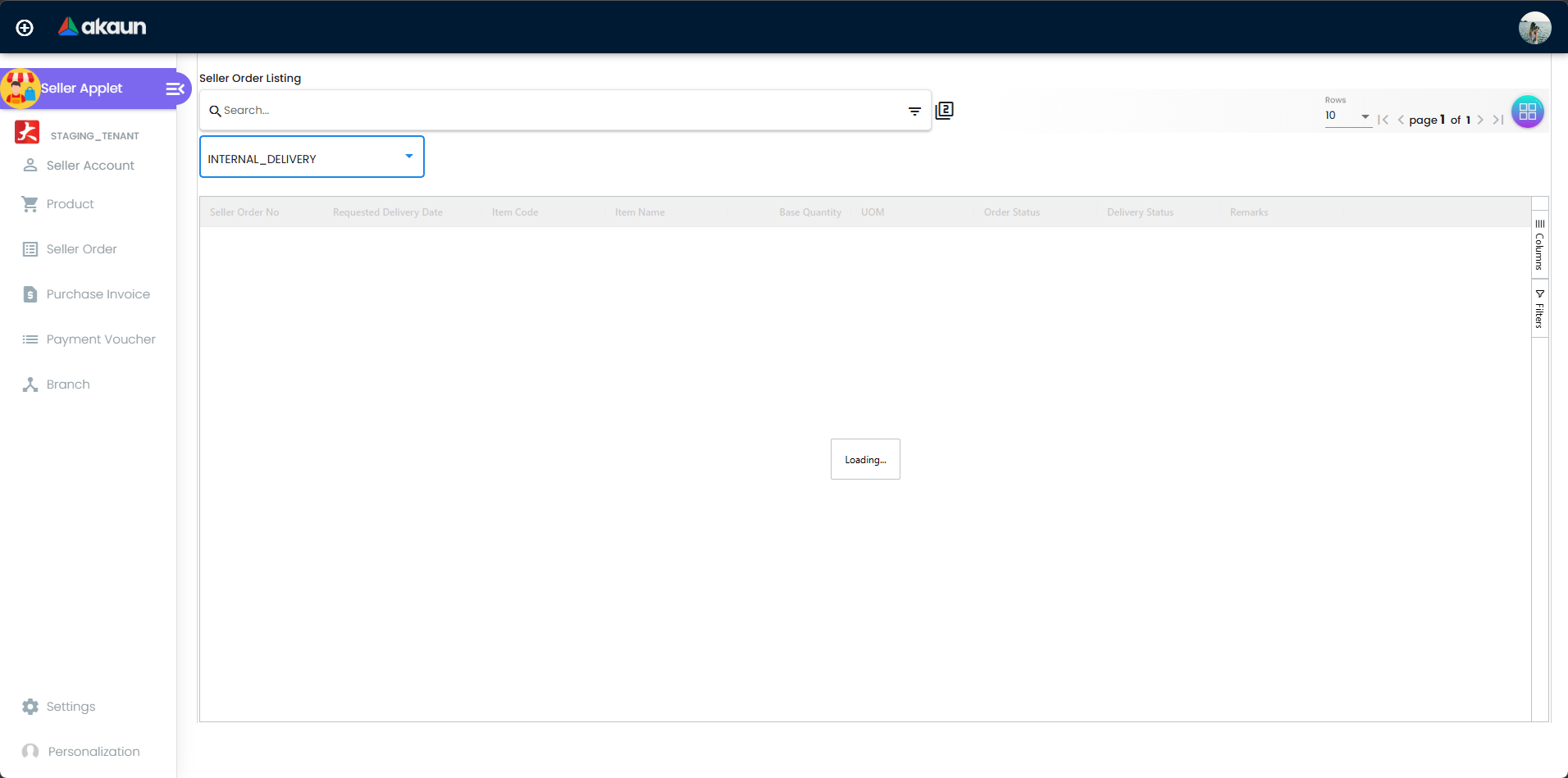
- Monitor Pick/Pack Queue: Check for new orders in the Seller Order dashboard.
- Fulfill Orders:
- Pick the items from the allocated store.
- Pack the items and click Issue GIN (Goods Issued Note).
- The status automatically updates to “Shipped” for the customer.
- Verify Settlements: Review generated Purchase Invoices to confirm the amount owed for the period.
- Download Vouchers: View your Payment Vouchers to confirm when funds are released.
Feature Sections
Seller Account Management
The foundation of the applet is the Seller Account. This section allows you to manage the master data for all third-party partners. Each account is linked to an mst_entity and captures unique attributes like tax registration numbers and specific accounting categories.
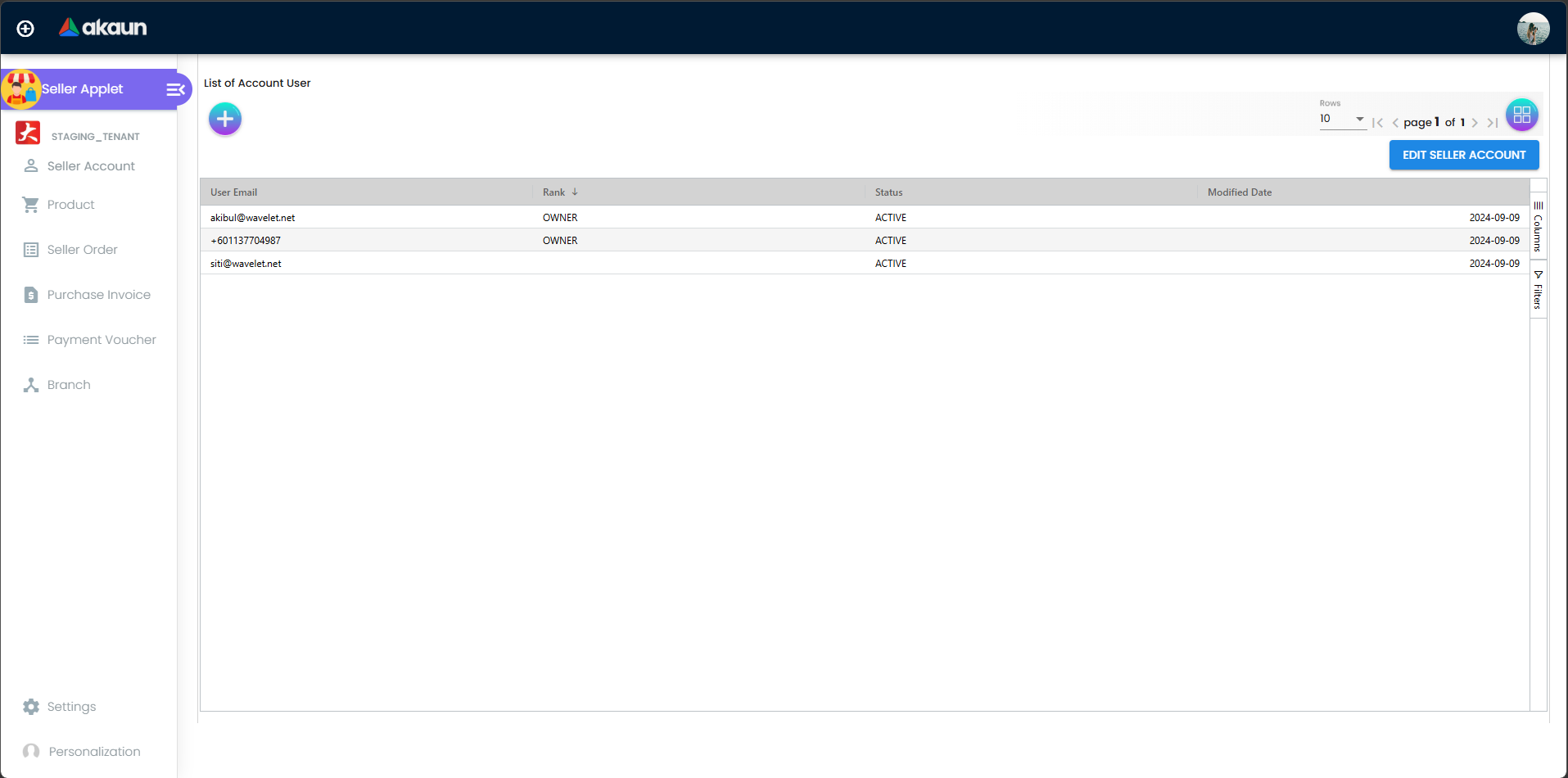
- Credit Limits: Set hard limits on the amount of business a seller can process before payout.
- Entity Extensions: Use custom fields to track unique metadata for each seller.
Product and Catalog Sync
Synchronize your marketplace listings with your financial inventory. This ensures that every sale is tracked against a valid item in your ERP.
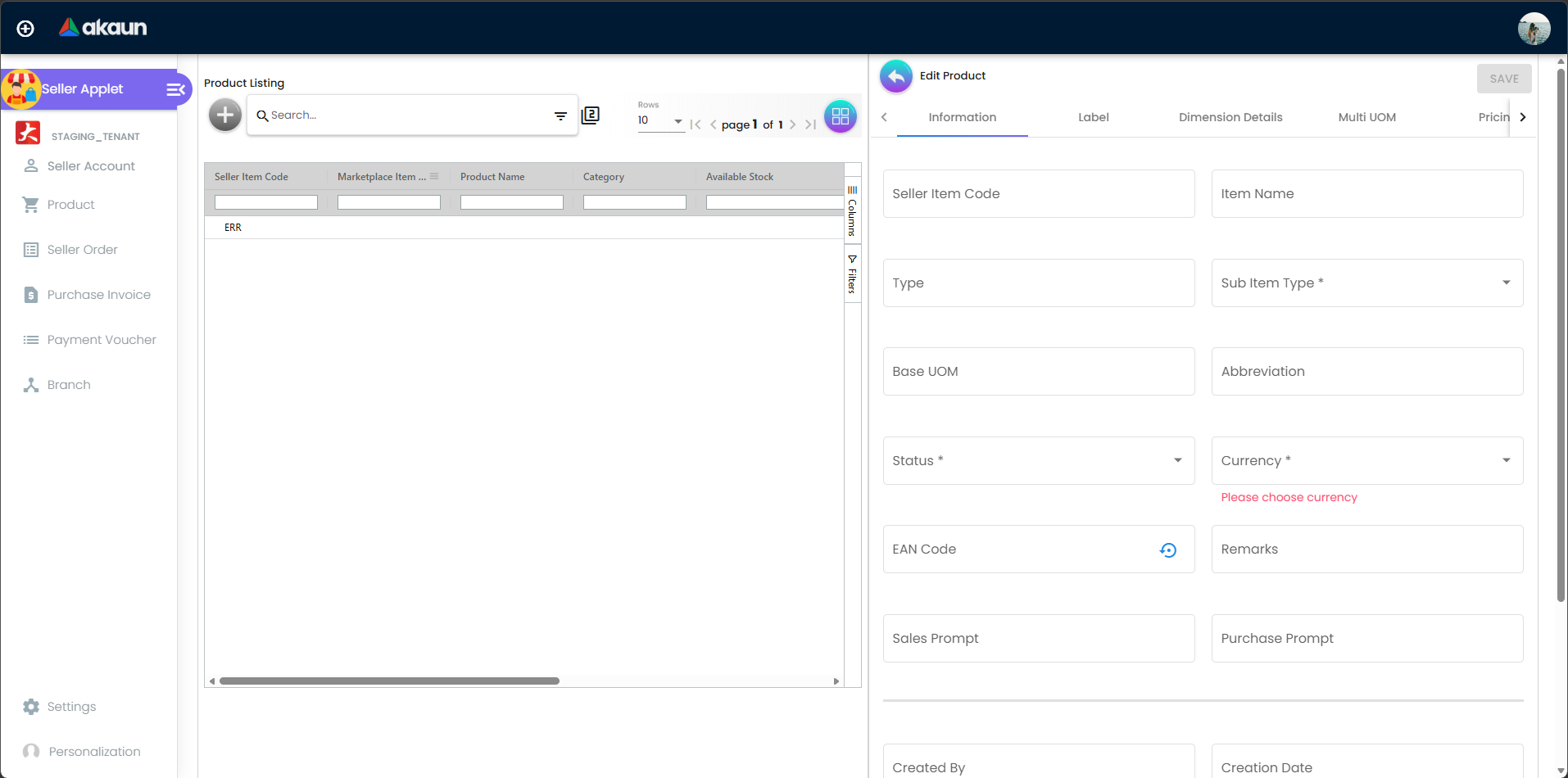
- MKP to FI Linkage: Map Marketplace Items directly to Financial Items.
- Pre-Order Control: Enable flags for items that require longer lead times.
Pick & Pack Fulfillment (Seller Orders)
The Seller Order dashboard houses the Pick & Pack Queue, a real-time fulfillment engine that guides sellers through the picking, packing, and shipping process.
- Granular Status Tracking: View the exact status of every line item in an order.
- Goods Issued Note (GIN): Automatically update order statuses by issuing a GIN upon shipment.
Accounts Payable & Settlement
Automate the financial reconciliation between the platform and the seller using the generated documents in this section.
Purchase Invoices (PI): Created automatically based on fulfilled orders.
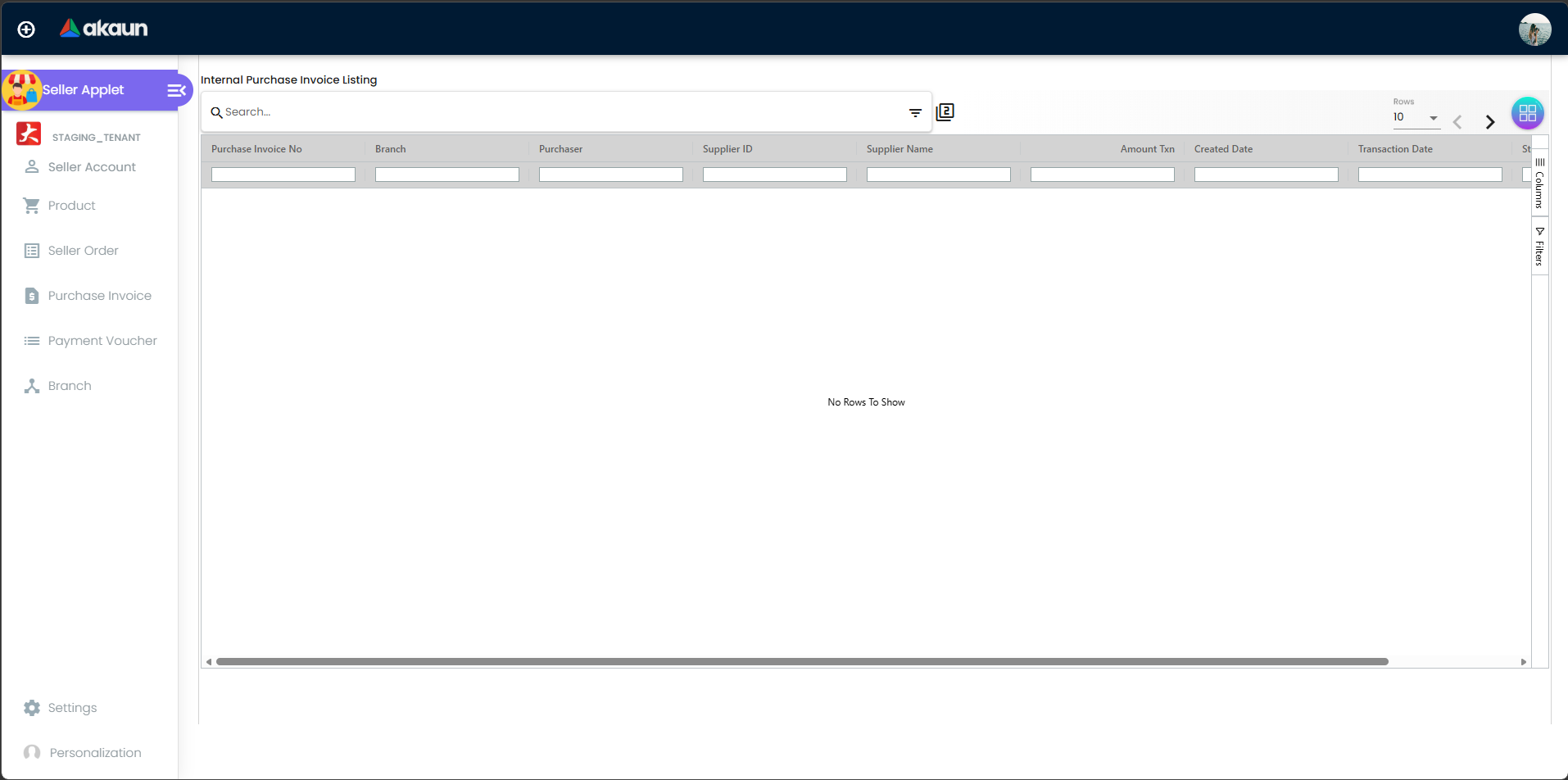
Automated generation of purchase records following successful order fulfillment. Payment Vouchers (PV): Process settlements via Bank Transfer, e-Wallets, or even Membership Points.
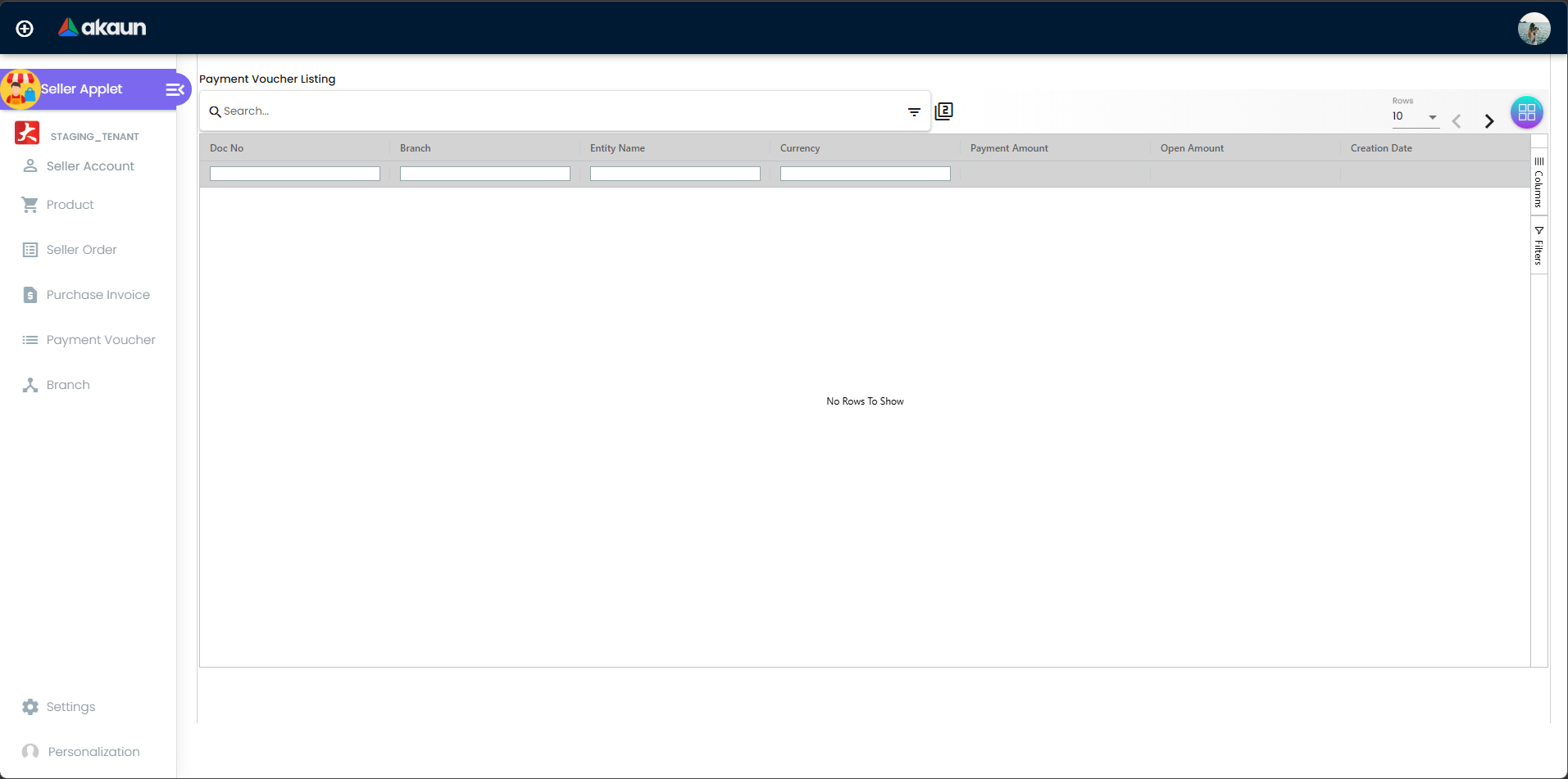
Streamlined tracking and processing of seller payouts across multiple settlement channels.
Multi-Branch & Store Mapping
Support complex multi-location operations by mapping specific sellers and products to physical branches.
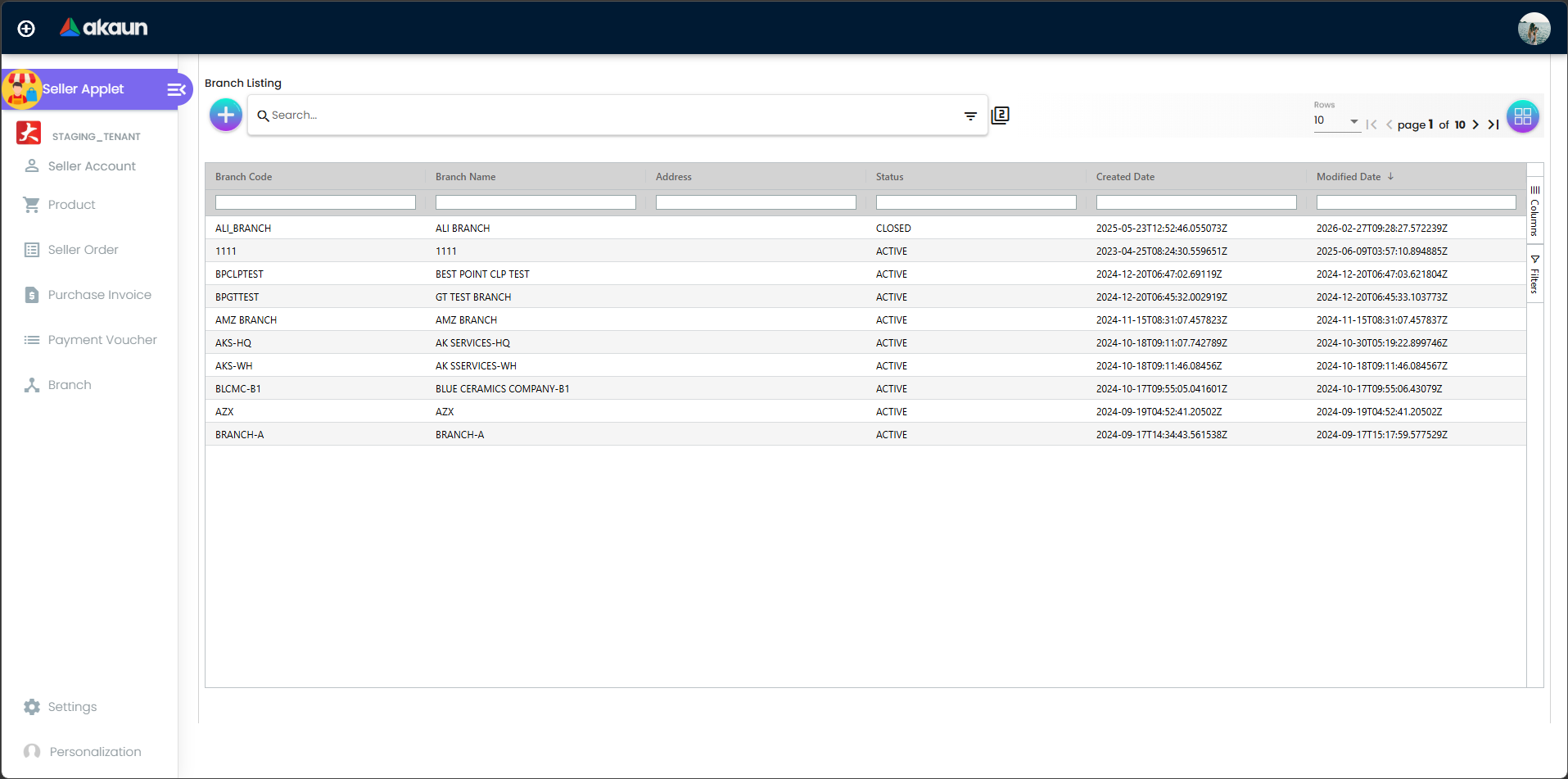
Configuration & Settings
Admin: Initial System Setup
Goal: Prepare the environment for seller onboarding.
- Verify Accounting Categories: Define
AKN_ETY_CTGlabels to classify your sellers (e.g., Corporate vs. Individual). - Setup Printable Formats (
Settings > Printable Format): Customize Invoices and Payment Vouchers. - Configure Branches/Stores: Map out physical locations in
Settings > Branches. - Define Webhooks (
Settings > Webhook): Enable external notifications for new orders. - Establish Permission Sets: Define access for Sales, Finance, and Seller roles.
- Set Settlement Types: Enable payment modes like Bank Transfer or e-Wallet.
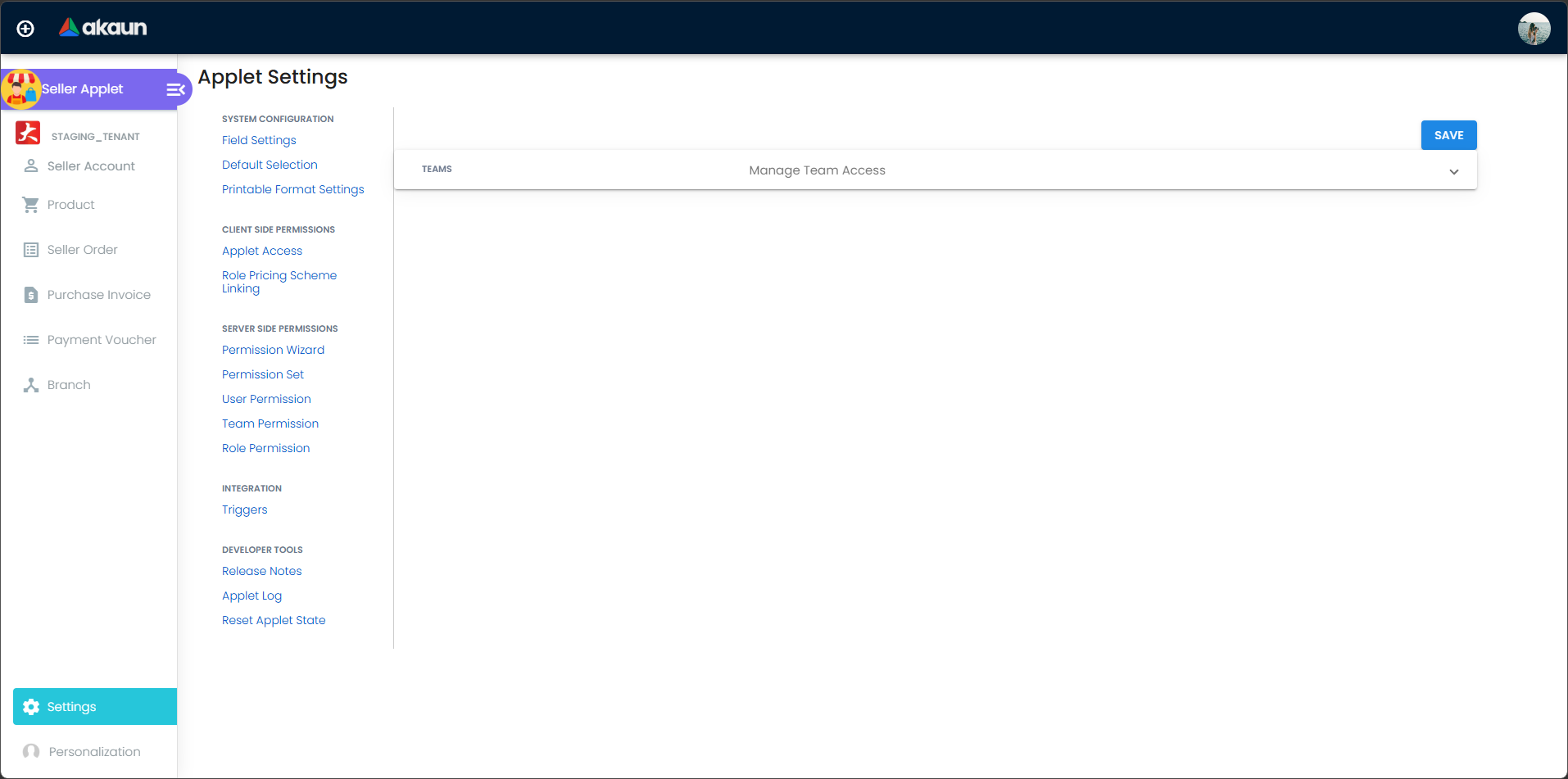
Detailed Admin Controls
- Seller Account Management:
- Entity Attributes: Customize
mst_entity_extparameters. - Status Lifecycle: Manage accounts through
Active,Inactive, orPending Approval.
- Entity Attributes: Customize
- Product & Inventory Logic:
- Fulfillment Flags: Toggle
Require DeliveryorRequire Productionper product. - UOM Management: Set multi-unit measurements and complex pricing.
- Batch Processing: Group Seller Orders into single settlement cycles.
- Fulfillment Flags: Toggle
FAQ
Q: What is the benefit of the Pick & Pack Queue? A: It provides real-time visibility into the fulfillment progress of every item within a multi-vendor order, ensuring customers get accurate shipping updates.
Q: Can we capture different tax categories for different sellers?
A: Yes, using the TAX_REG_NO and specific TAX_DETAILS fields in the Seller Account profile, you can manage unique tax requirements for each partner.
Q: How does the system handle “Pre-Order” items?
A: You can enable the preOrderItem flag on the product listing, which adjusts the Pick & Pack Queue to allow for longer fulfillment lead times.
Q: Can a seller be paid via Membership Points?
A: Yes, the Seller Applet supports MEMBERSHIP_POINT_CURRENCY as a valid settlement type, allowing for creative ecosystem-based rewards.
Q: How do we track image assets for products? A: Use the Manage Image feature within the Product listing to upload, tag, and set “Public” status for product photos.